Elgato Stream Deck — Which Stream Deck Should You Choose?
Picking the right Stream Deck isn’t about specs — it’s about your workflow. Here’s what each model is actually good for.

The Elgato Stream Deck is often called a “streaming accessory,” but that doesn’t really capture what it actually does.
In reality, it’s a tool designed to make working with software faster and easier by reducing repetitive actions. Instead of clicking around or using keyboard shortcuts, you can trigger things instantly with buttons or controls.
Each model works a bit differently, and the main differences come down to three things:
how many controls you have
what kind of controls they are (buttons, knobs, pedals)
how complex of a workflow you can manage without things getting messy
Once you understand those three things, it becomes pretty clear whether a Stream Deck will actually improve your setup — or just sit there unused.
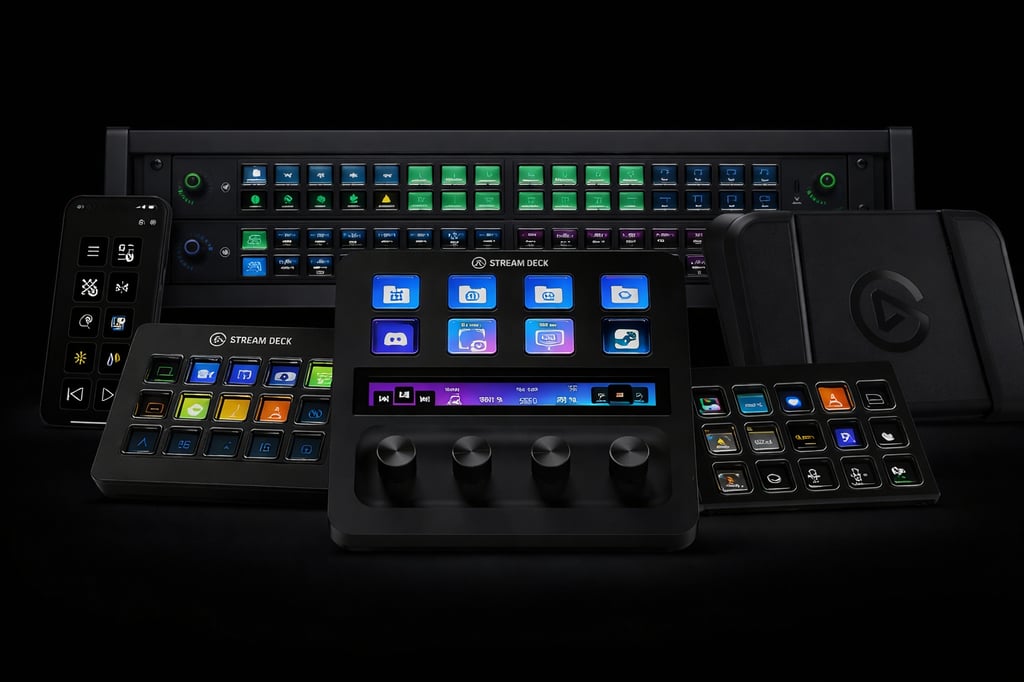
Full Product Line
The current ecosystem consists of:
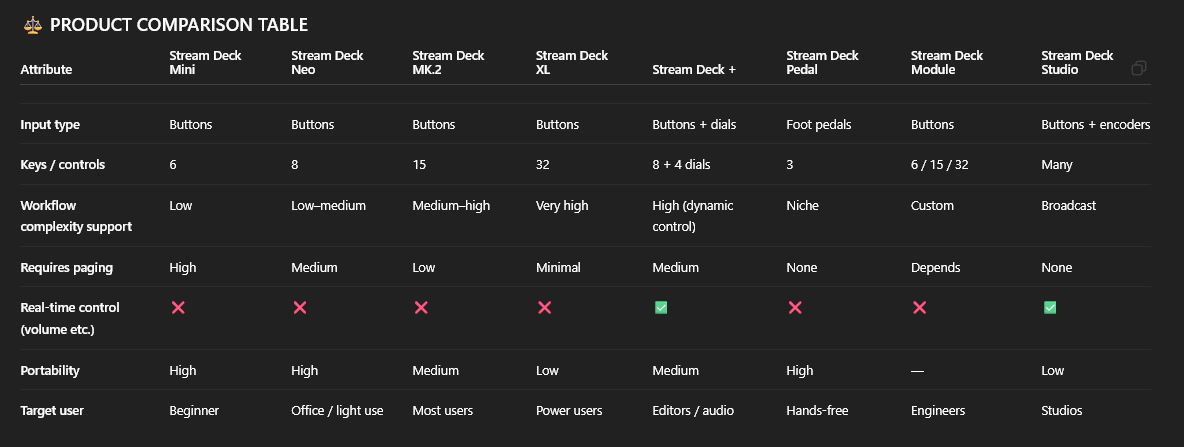
Button-based controllers: Mini, Neo, MK.2, XL
Hybrid controller: Stream Deck +
Alternative input: Pedal
Integration hardware: Module
Production hardware: Studio
Each category exists for a distinct use case — not as incremental upgrades.
Core Models — What’s the Difference
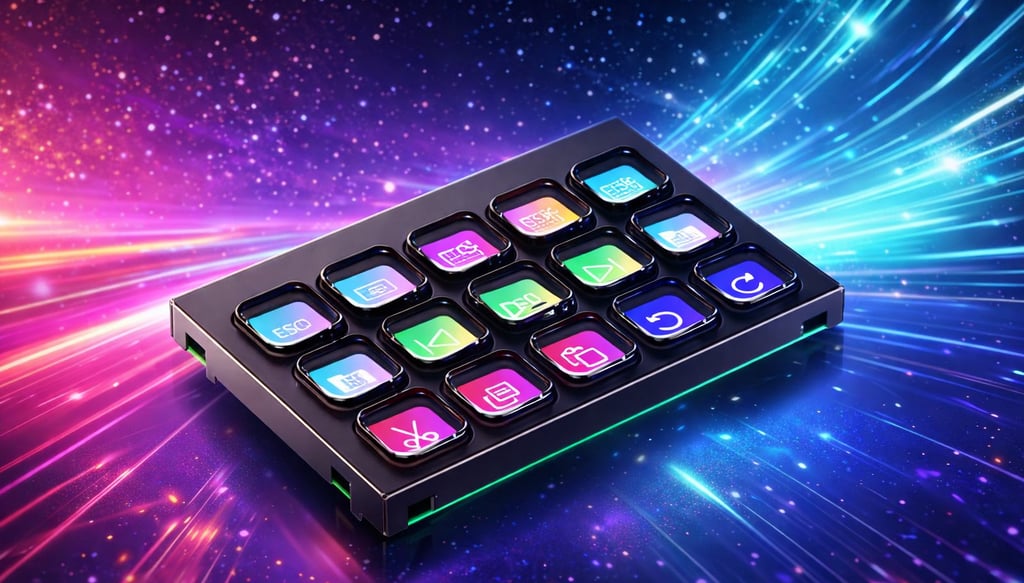
Elgato Stream Deck MK.2
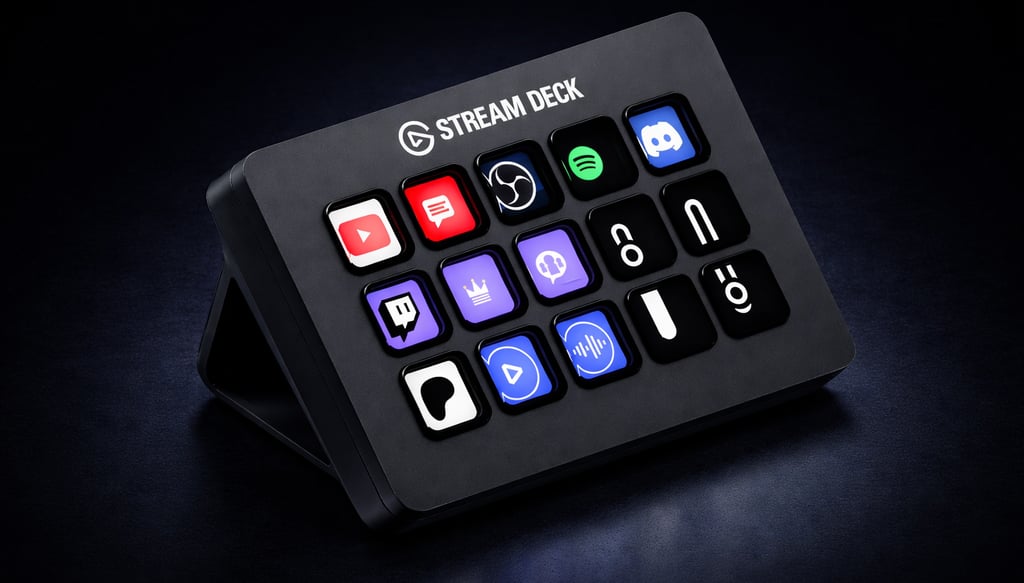
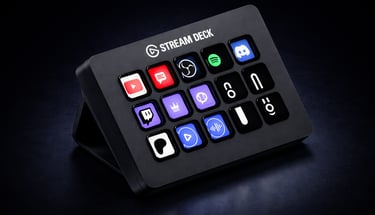
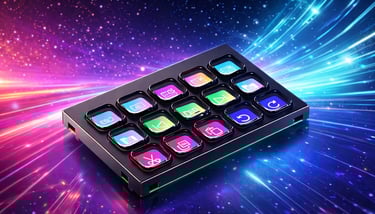
15 customizable LCD keys with automatic profile switching and wide software integration.
The MK.2 defines how the system is intended to be used.
15 programmable LCD keys with visual feedback
Supports multi-actions and app-specific profiles
Integrates across streaming, productivity, and system control
Practical implication:
15 keys allow most workflows to exist on a single layer without constant navigation.
Elgato Stream Deck Mini
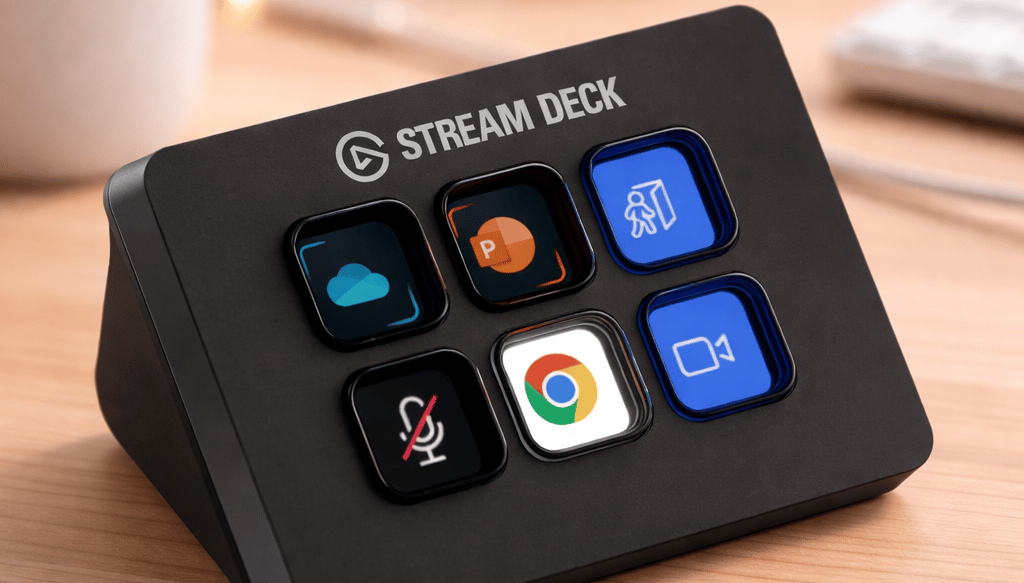
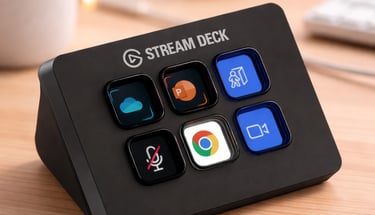
6-key compact controller with full software capability but limited physical interface.
Same software capabilities as larger models
Limited to 6 visible actions at a time
Constraint:
Frequent use of folders and pages introduces additional steps, reducing efficiency as complexity increases.
Elgato Stream Deck Neo
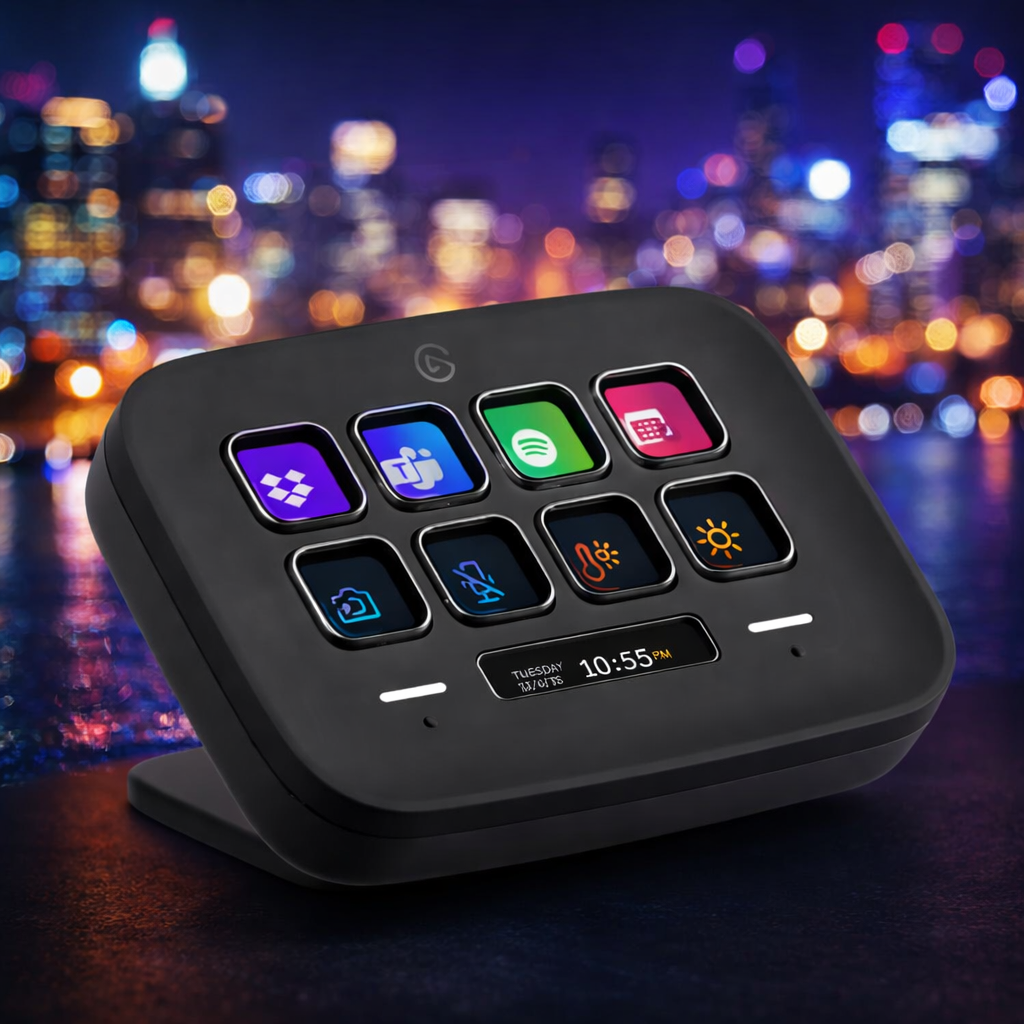
8-key simplified controller focused on general desktop workflows.
Slightly more capacity than Mini
Designed for lighter, less layered workflows
Observation:
The difference between 8 and 15 keys is substantial in practice — it affects how often you switch layers.
Elgato Stream Deck XL
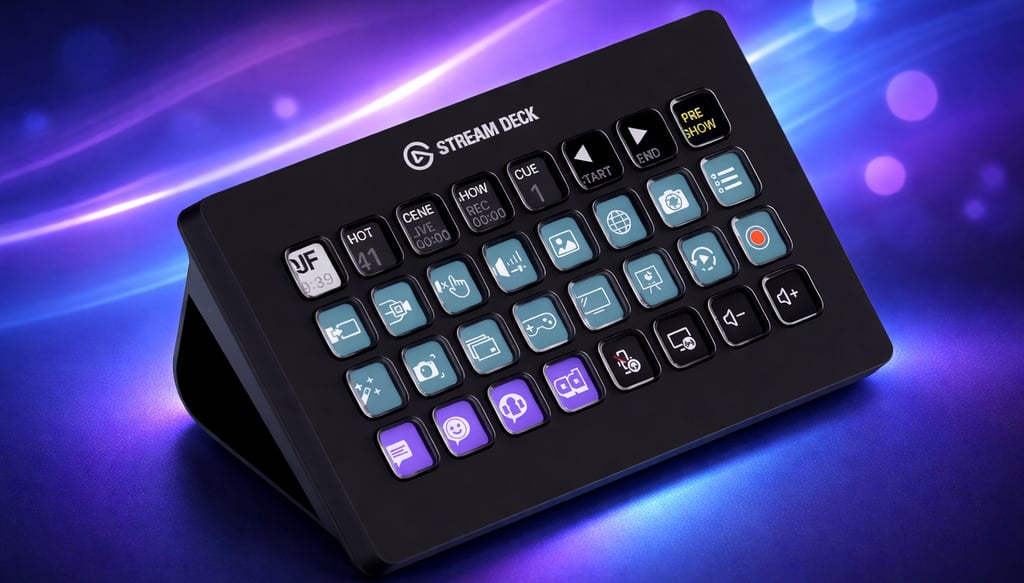
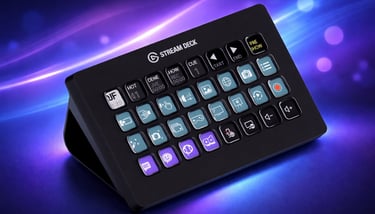
32-key controller enabling full workflows without paging.
32 keys in a single layout
Minimizes or eliminates the need for navigation layers
Practical effect:
Entire workflows (stream control, editing shortcuts, system commands) can be mapped simultaneously.
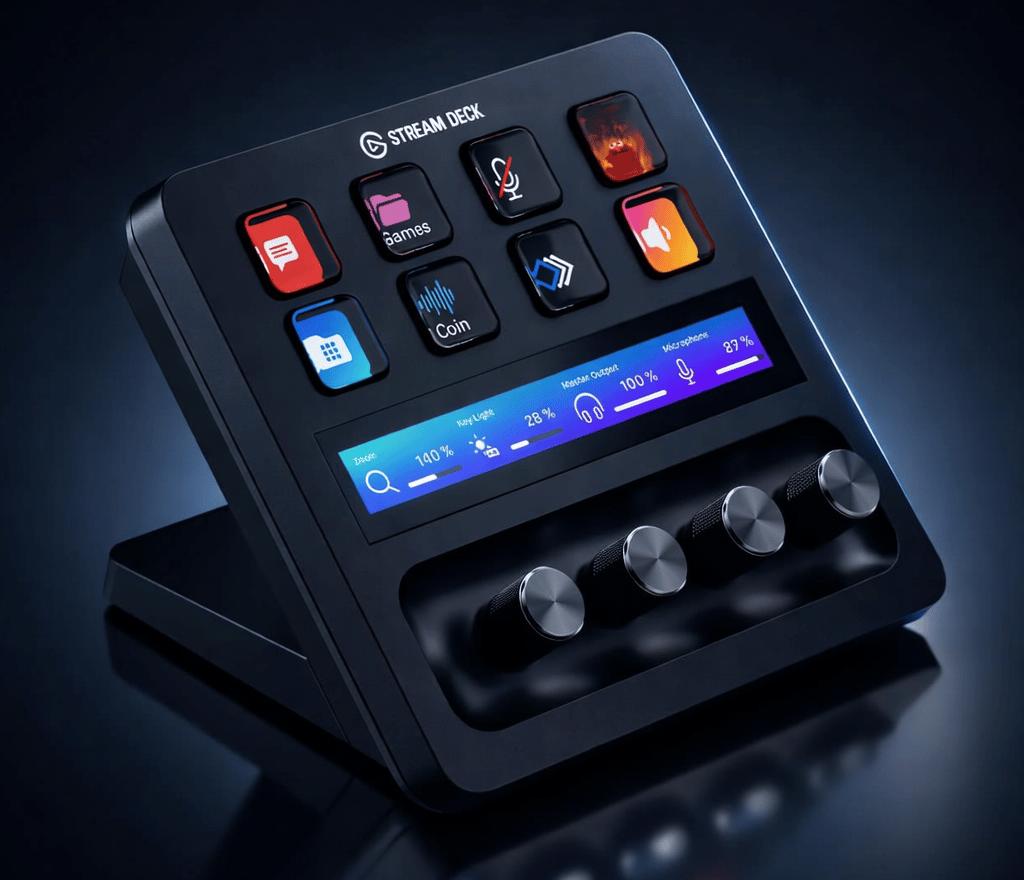
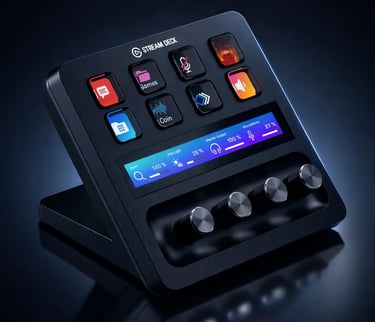
Elgato Stream Deck +
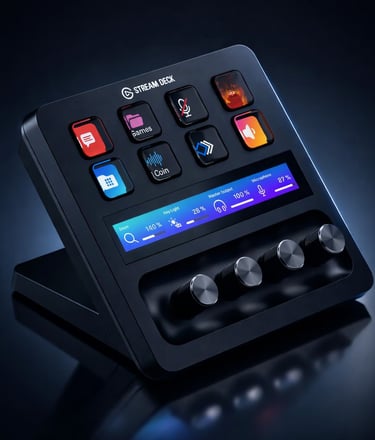
8 keys combined with 4 rotary encoders and a touch strip for real-time parameter control.
Adds rotary encoders for continuous adjustments (e.g., volume, lighting, timeline)
Touch strip enables dynamic control layers
Critical distinction:
Button-based models trigger actions.
This model controls values in real time, which changes how it is used.
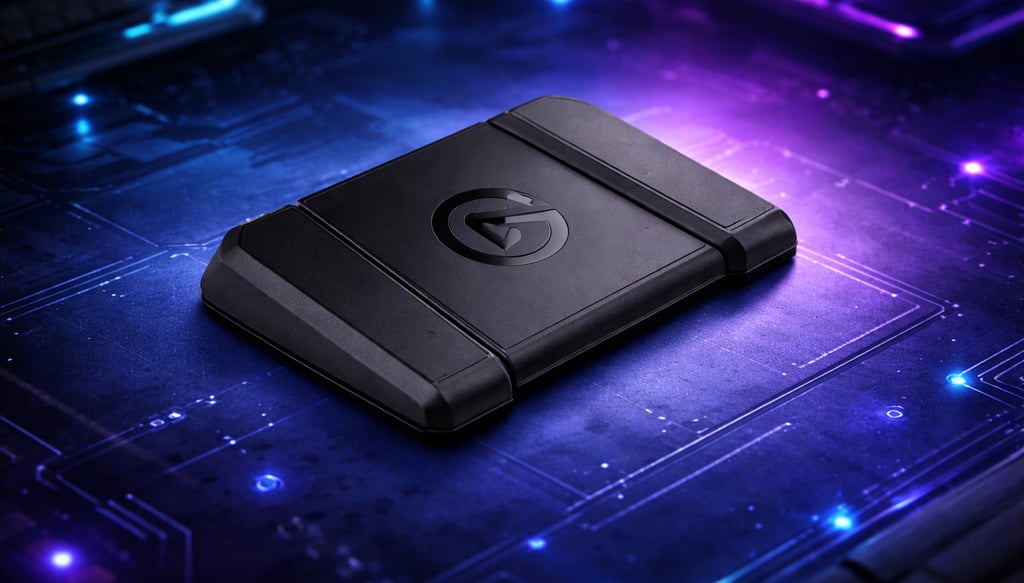
Elgato Stream Deck Pedal
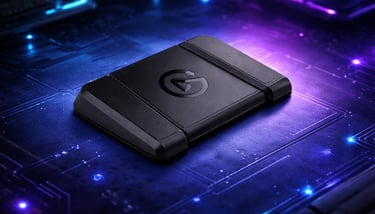
Foot-operated controller enabling input without using hands.
Three programmable pedals
Used to offload secondary actions
Use case:
Situations where hands are occupied (gaming, live production, accessibility).
Elgato Stream Deck Module
Integration-ready keypad for custom hardware and OEM builds.
Available in multiple key configurations
Designed for integration into desks, consoles, or products
Not intended for standard desktop use.
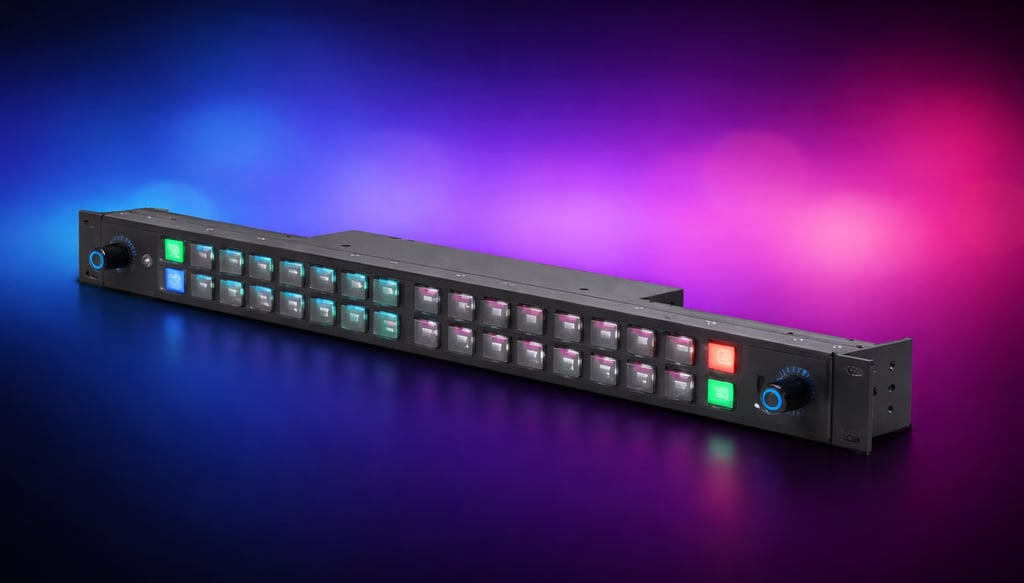
Elgato Stream Deck Studio
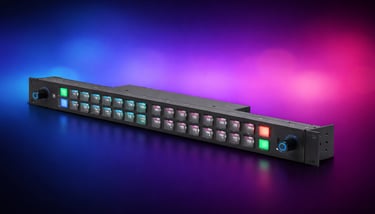
Rackmount-grade control surface with network and production system integration.
Network-enabled (e.g., Ethernet, PoE)
Designed for multi-device production environments
Positioning:
This competes with professional broadcast hardware, not consumer peripherals.
So Which model suits which user best?
Stream Deck Mini
stream deck mini Price & Availability - https://amzn.to/4gR0jtF
This is the kind of device you buy when you’re just getting into automation and want something simple that works right away. It’s small, cheap, and does exactly what it promises — replaces keyboard shortcuts with buttons.
But the limitation becomes obvious pretty quickly. With only 6 keys, you’ll end up using folders and switching pages a lot. That’s fine for light use, but if you start building more complex workflows (streaming, editing, multitasking), it starts slowing you down instead of helping.
- Good choice if you want something basic.
- Not a great long-term solution if you plan to scale.
Stream Deck Neo
stream deck neo Price & Availability - https://amzn.to/46hnXKC
Neo feels more like a productivity gadget than a creator tool. It’s aimed at people who want to automate everyday tasks — opening apps, managing meetings, switching tools — rather than running full production setups.
It’s cleaner and more modern than Mini, but still not designed for heavy workflows. If you’re not streaming or editing, it makes sense. If you are, you’ll probably outgrow it the same way as Mini, just a bit slower.
- Good for office work, casual use.
- Not built for serious content creation.
Stream Deck MK.2
stream deck mk.2 Price & Availability - https://amzn.to/4c6Nslv
This is where things start to feel “right.” 15 keys is enough to build real workflows without constantly switching pages. You can set up scenes, shortcuts, automations — and actually keep them accessible.
It’s also the easiest one to recommend because it fits almost everyone:
streamers
video editors
general productivity users
The only downside is that if your setup gets really complex, you might still want more space. But for most people, this is the sweet spot.
- Safest and most balanced option.
- Best value overall.
Stream Deck XL
stream deck xl Price & Availability - https://amzn.to/4ztNjlX
This is basically MK.2 without limitations. 32 keys means you don’t have to think about folders or switching pages — everything can be in front of you.
That sounds like a small thing, but in real workflows it makes a big difference. Faster access = less friction = smoother work.
The downside is obvious:
takes more space
overkill for beginners
more expensive
But if you already know you need a lot of controls, this is the one that actually keeps up with you.
- Best for advanced users.
- Overkill if you’re just starting.
Stream Deck +
stream deck + Price & Availability - https://amzn.to/3SnSfbw
This one is different. It’s not just buttons — it’s about control, especially real-time control. The dials let you adjust things like volume, lighting, or timeline scrubbing in a way buttons simply can’t.
That makes it perfect for:
audio mixing
video editing
live production
But if your workflow is mostly “press button → action happens,” then you won’t fully use what this device offers.
- Best for creators who adjust things live.
- Not necessary for simple workflows.
Stream Deck Pedal
stream deck pedal Price & Availability - https://amzn.to/3SQkDTJ
This is not really a main controller — it’s more like a helper. You use it when your hands are already busy (editing, gaming, instruments, etc.).
It’s surprisingly useful in the right setup, but on its own it doesn’t replace a Stream Deck.
- Great addition.
- Not a standalone solution.
Stream Deck Module
stream deck module Price & Availability - https://amzn.to/4qvfr46
This is where things get very niche. The Module is made for integration — meaning it’s designed to be built into other hardware or custom setups.
If you’re not building your own system, you probably won’t need it at all.
- Useful for developers and hardware projects.
- Irrelevant for normal users.
Stream Deck Studio
stream deck studio Price & Availability - https://amzn.to/41f2zDp
This is on a completely different level. It’s built for professional environments — broadcast studios, production teams, complex systems.
It’s powerful, but also overkill for 99% of people. You don’t casually “use” this — you build workflows around it.
- Perfect for professional production.
- Too much for home setups.


"Where gadgets actually make sense." We're a team of tech enthusiasts tired of the hype. We review products based on real-world utility, not spec sheets.
voltger@outlook.com
© 2026. All rights reserved.