HiDock H1 vs HiDock P1: Which One Actually Makes Sense for You?

Introduction
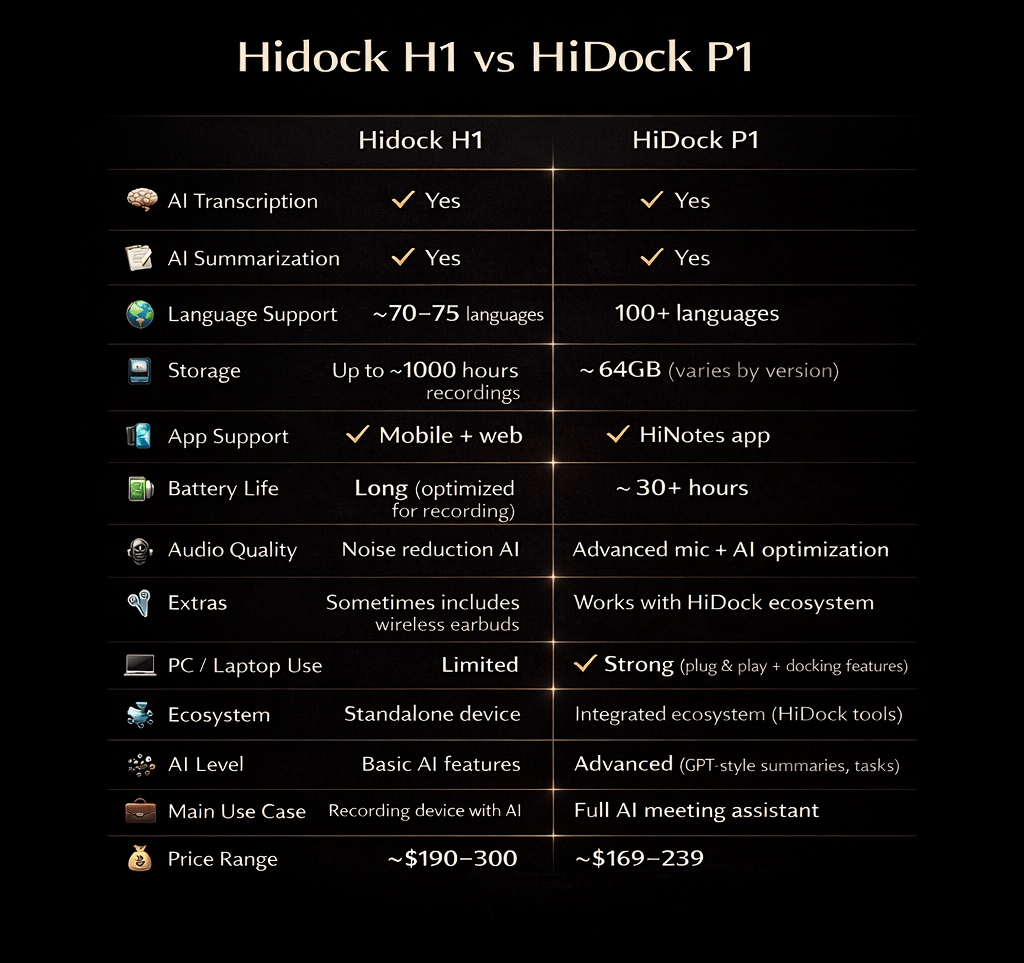
If you’ve been looking into AI recording gadgets, you’ve probably seen both the HiDock H1 and HiDock P1. At first glance, they seem pretty similar — both can record calls, transcribe conversations, and help you stay more productive.
But once you actually start thinking about how you’d use one day-to-day, the differences become much clearer.
This isn’t about which one is “better” on paper — it’s about which one actually fits your lifestyle.
The Main Difference
Let’s make it super clear:
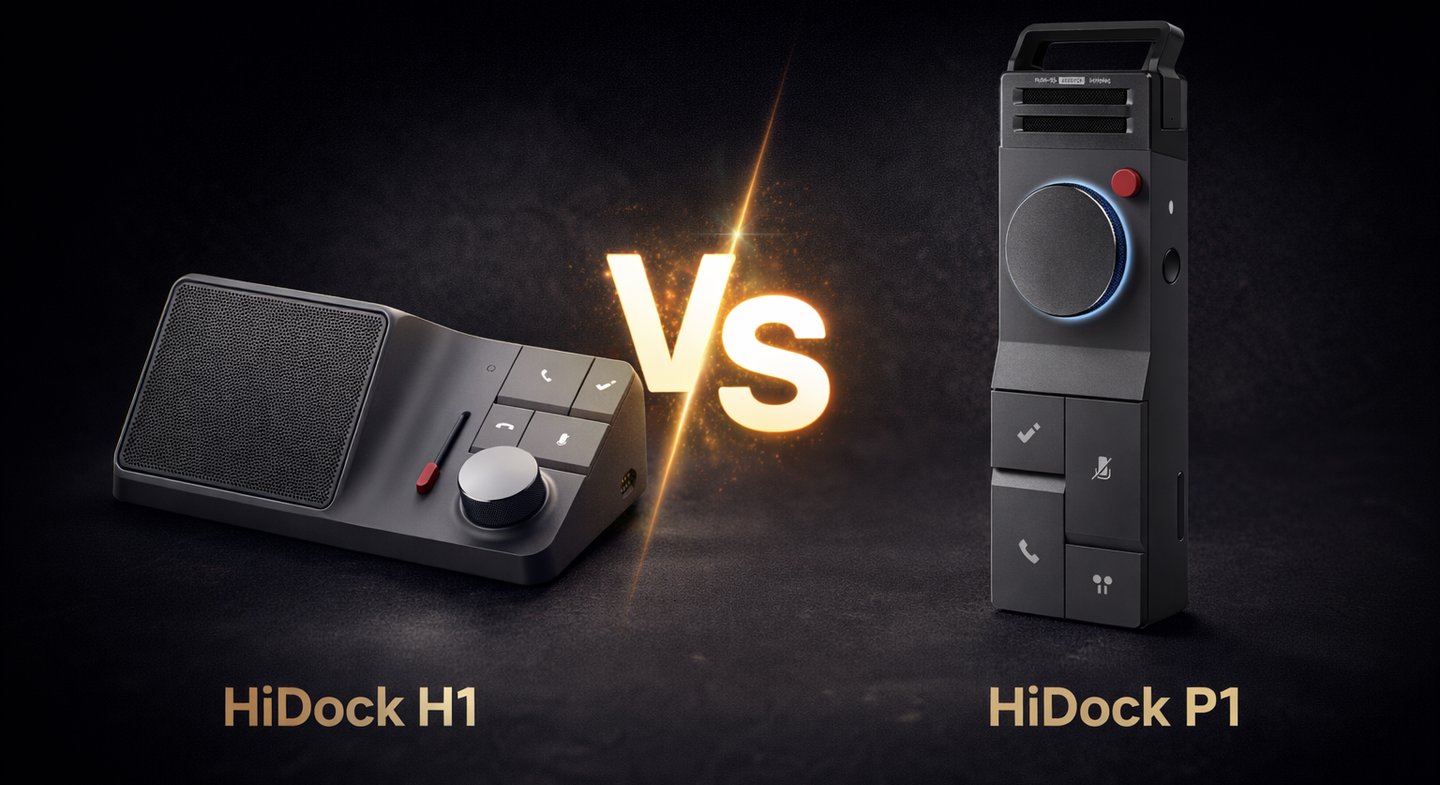
HiDock H1 is something you keep on your desk
HiDock P1 is something you take with you
That’s really the core of this whole comparison.
If you already know you work mostly from one place — you’re probably leaning H1.
If you’re always moving around — P1 starts making more sense.
Using It in Real Life
HiDock H1
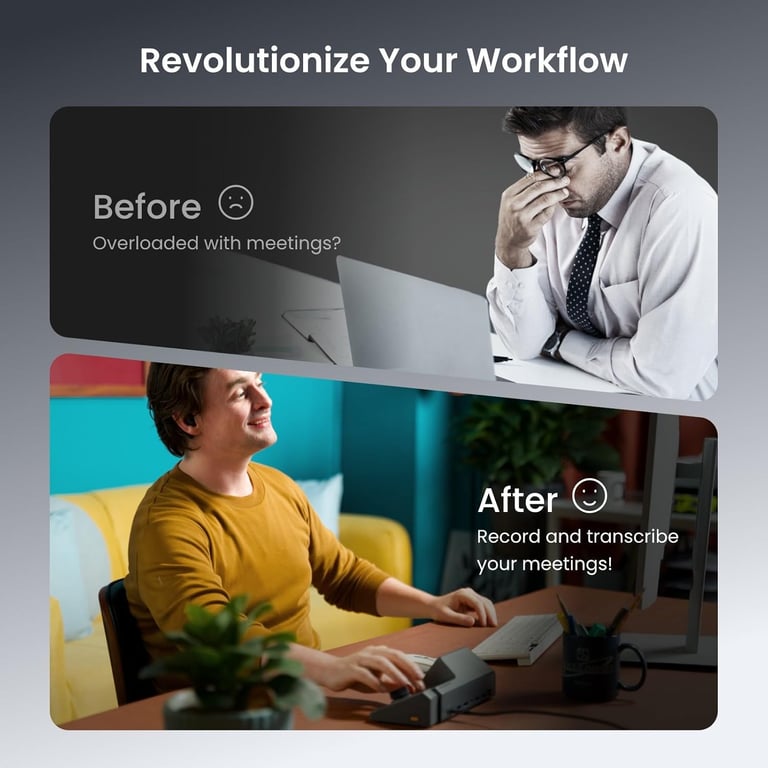
The H1 feels like part of your setup. You plug it in, it stays there, and it just works every day.
It’s especially good if:
you take a lot of calls
you work from home or an office
you like having a clean, organized desk
You don’t have to think about it much — it becomes part of your routine.
HiDock P1
The P1 is the opposite kind of tool.
It’s for when you’re:
jumping between meetings
working from different places
or just don’t want to carry a full setup
You can throw it in your bag and use it whenever you need it. It’s not as “powerful” as a full desk setup, but it’s way more flexible.
Recording & AI Features
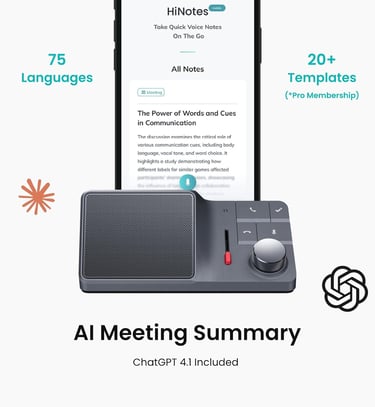
Both devices do the same core things — recording and transcription — and they do it well.
The difference is more about consistency vs flexibility:
With the H1, everything feels stable and predictable
With the P1, you get freedom, but it depends more on your environment
If you’re in a quiet workspace → both are great
If you’re in random places → P1 still works, but results can vary a bit
Price vs Value
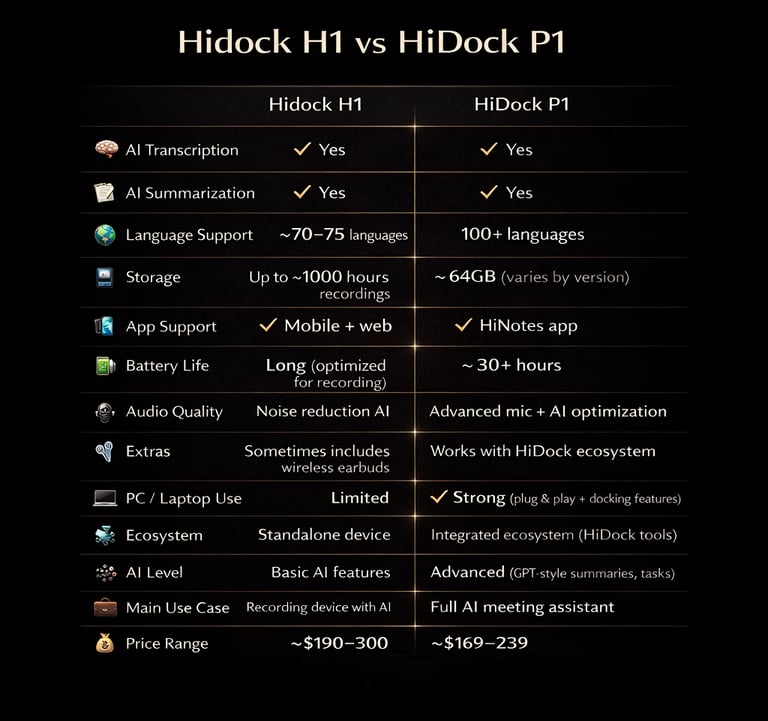
The P1 is clearly the more affordable option, and for a lot of people, that’s enough. But the H1 starts to make more sense once you look at what it actually replaces on your desk. With the H1, you’re not just getting a recorder. You’re getting a full docking setup with multiple ports — things like HDMI, Ethernet, USB, and charging all in one place. So instead of plugging in several different devices, everything runs through one hub. It also handles audio a bit differently. Since the H1 is connected directly to your computer and sits in a fixed position, recordings tend to be more stable and consistent — especially during longer calls or meetings. You’re not relying on placement or environment as much as you are with a portable device. Another thing is controls. On the H1, you’ve got physical buttons and a volume knob right in front of you. It sounds simple, but during calls or recordings, being able to adjust things instantly without switching windows actually makes a difference. The P1 keeps things much simpler. It’s built for portability, so you don’t get all those extra connections or controls — just the core recording features in a compact form.
Hidock H1 Price & Availability - https://amzn.to/4qA5bHN
Hidock P1 Price & Availability - https://amzn.to/4gwCqY4
Final Thoughts
HiDock didn’t make two competing products — they made two different tools for different types of people.
H1 is for structure, routine, and a solid workspace
P1 is for flexibility, movement, and convenience
Pick the one that fits how you actually live and work — not just the one that sounds better on paper.
"Where gadgets actually make sense." We're a team of tech enthusiasts tired of the hype. We review products based on real-world utility, not spec sheets.
voltger@outlook.com
© 2026. All rights reserved.